
Top Picks for San Sai
Search attractions or local attractions & tours
Attractions & Tours category
Book now for today
Book now for tomorrow
12331 Results for San Sai
Sort by
Recommended
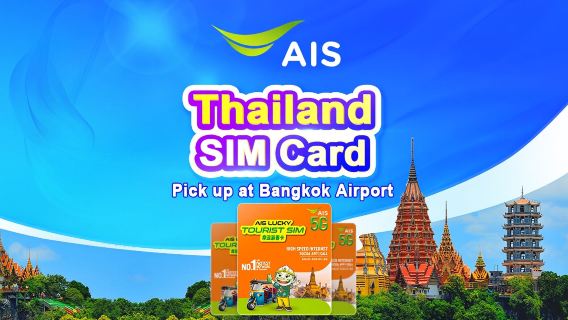 Book now for todayHotspot capableFully refundable4.9/5Excellent· 200 reviews· 4K+ bookedFromNZD 8.61
 Book now for todayRenewableHotspot capable4.7/5Great· 3.3k reviews· 73K+ booked51% offFromNZD 0.22NZD 0.45
 Book now for todayRenewableHotspot capable4.5/5Satisfactory· 6.4k reviews· 80K+ bookedFromNZD 2.31
 Book now for todayHotspot capable4.7/5Great· 1.5k reviews· 30K+ booked51% offFromNZD 0.20NZD 0.41
 Book now for todayHotspot capable4.8/5Great· 2.4k reviews· 55K+ bookedFromNZD 5.44
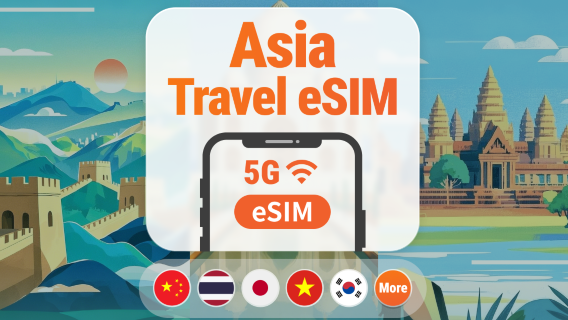 Book now for todayHotspot capable4.7/5Great· 521 reviews· 11K+ booked6% offFromNZD 0.47NZD 0.5
Global 77 Countries 4G/5G eSIM | Day Pass/Total Data Package | 1-30 Days | 24-Hour Billing | QR Code
Book now for todayRenewableHotspot capable4.6/5Satisfactory· 3.2k reviews· 32K+ bookedFromNZD 3.56 Book now for todayRenewableHotspot capable4.6/5Satisfactory· 1.5k reviews· 27K+ booked6% offFromNZD 0.59NZD 0.63
 Book now for todayRenewableHotspot capable4.6/5Satisfactory· 1k reviews· 16K+ booked50% offFromNZD 0.31NZD 0.63
 Book now for todayIncludes SMS messagesIncludes topped-up amountPhone calls supportedHotspot capable4.4/5Good· 3.4k reviews· 75K+ bookedFromNZD 7.51
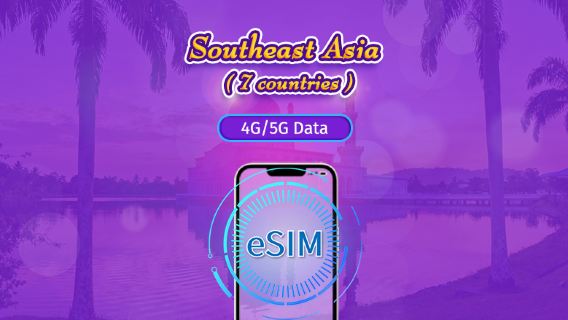 Book now for todayRenewableHotspot capable4.7/5Great· 700 reviews· 11K+ booked50% offFromNZD 0.30NZD 0.6
 Book now for todayRenewableHotspot capable4.8/5Great· 1.2k reviews· 10K+ booked6% offFromNZD 0.44NZD 0.47
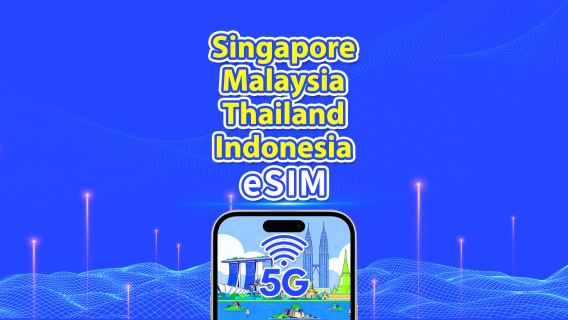 Book now for todayHotspot capable4.7/5Great· 933 reviews· 15K+ booked5% offFromNZD 0.71NZD 0.75
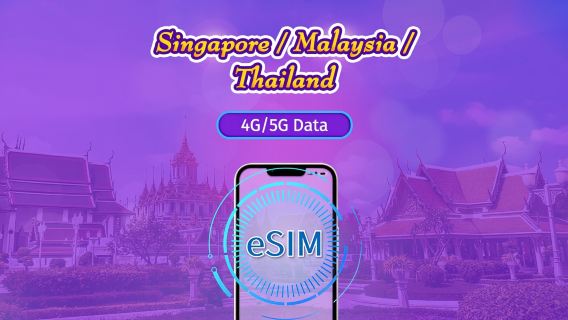 Book now for todayRenewableHotspot capable4.7/5Great· 1.8k reviews· 29K+ booked50% offFromNZD 0.30NZD 0.6
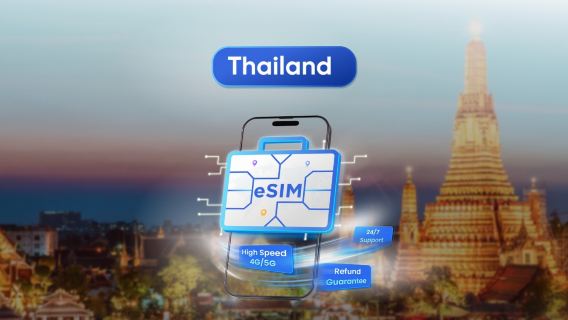 Book now for today4.5/5Satisfactory· 465 reviews· 9K+ booked55% offFromNZD 0.16NZD 0.36
 Book now for todayRenewableHotspot capable4.5/5Satisfactory· 179 reviews· 3K+ bookedFromNZD 2.28
 Book now for todayIncludes SMS messagesPhone calls supportedHotspot capable4.7/5Great· 267 reviews· 5K+ bookedFromNZD 8.63
 Book now for todayHotspot capable4.7/5Great· 134 reviews· 2K+ bookedFromNZD 1.00
 Book now for todayHotspot capable4.3/5Good· 182 reviews· 3K+ bookedFromNZD 2.24
1
2
3
4
5
6
617
Frequently asked questions about San Sai
How many are available in San Sai on Trip.com?
What are the best in San Sai?
What are the top-rated in San Sai?
How can I contact Trip.com customer support?
Can I change or cancel my booking?
How can I get discounted prices?
Trip.com Picks
Popular San Sai Tours
Best San Sai Experiences
Popular Products
Popular Activities
Chiang Mai Sky Lantern Festival half-day tour Chiang Mai 2025 Lantern Festival half-day tour with transfer CAD official venue Loy Krathong Festival for thousands 2025CAD Thai Lanna/Maejo University/MCM Ten Thousand People Pray for BlessingChiang Mai Maejo University Lantern FestivalThailand Chiang Mai Sky Lantern Festival 1-day tour Thailand Chiang Mai Maejo University Lantern Festival admission ticket + self-operated meeting point transfer
Wellness & Spa in San SaiSan Sai Bus TicketsFood & Drink in San SaiSan Sai Shopping DiscountsSan Sai Day ToursSan Sai Walking ToursSan Sai Restaurant DiscountsSan Sai Boat TicketsSan Sai Visa Application ServicesSan Sai Travel EssentialsSan Sai Group ToursSan Sai Airport ServicesSan Sai ActivitiesGuangzhou Spa & MassageShanghai ActivitiesChina Bus TicketsShenzhen Spa & MassageShanghai Day ToursIstanbul Spa & MassagePattaya Spa & MassageBeijing Day ToursXiamen Spa & MassageVietnam SIM CardShanghai must-visit route: Oriental Pearl Radio & Television Tower + Huangpu River night cruise, Chinese group 1-day tour Bus Shared Tranfer From Huanglongjiuzhai Railway Station to Jiuzhaigou|Tikect is availableTerracotta Army TicketsShanghai Romance Park: Performance Ticket Beijing Mutianyu Great Wall 1-day tour · Daily departures at 8/9/10 AM · Round-trip ticket + admission ticketForbidden City Ticket with Optional Private Guide Or Group Tour Bangkok Space Cube Chengdu city center - Bipenggou direct bus: Group tour with comfortable bus and entrance tickets for an easy and enjoyable visit to the scenic area.One-Day Zhangjiajie Private Tour of Fenghuang and Furong Old TownPrivate tour from Lijiang: Jade Dragon Snow Mountain + Glacier Park Cableway + Blue Moon Valley Reviews/Trip Moments
★
★
★
★
★
Reviews: Thailand AIS 5G SIM Card | 35GB for 7days | Local Phone Number | Pick Up at Bangkok Airport
Guest User2025-11-09
Pick up at Bangkok Airport, 2nd floor, Gate 8. AIS counter. Hand over your phone, paper reservation, and passport. You'll receive a ready-to-use phone. The plan includes only data (WhatsApp and Max calls (even video) are supported). Convenient and fast. It's just a shame it's only for 7 days. To extend the plan, on the last day, we upgraded to a different plan through the AIS website. It cost 99 BT for 7 days (4 GB). Payment may be an issue; you need a card that works abroad.★
★
★
★
★
Reviews: Thailand | 5G eSIM | Day Pass/Total Package | 24H Billing | 1-30 days | QR code
Guest User2025-08-25
Bangkok and Phuket sibeh crowded, sometimes the Wi-Fi will spin like sotong kena goreng. But if go ulu places with fewer people, the connection damn fast one.★
★
★
★
★
Reviews: Global (66 countries) | 4G/5G eSIM | Total Package | 1-7 days | 24H Billing | Real-Name Auth Required (Hong Kong & Taiwan) | QR code
Guest User2025-10-29
Easy to install eSIM instructions. If I stuck then I can just chat with the trip.com and AI generated answer that helped me right at the spot.im glad I booked with trip.com★
★
★
★
★
Reviews: Thailand 5G eSIM | Day Pass/Total Data Package | 1–30 Days | 24-Hour Billing | QR Code
Guest User2025-11-11
I ordered the e-SIM type as I only needed it for the day it arrived.
It was my first time using an e-SIM, so I was worried about whether I would be able to set it up properly, but my worries were unfounded.
The signal was also very strong and it picked up right away, so I was able to use it smoothly.★
★
★
★
★
Reviews: Thailand Dtac Truemove 5G eSIM | Total Data Package/Unlimited Data | 3-15 Days | 24-Hour Billing | QR Code
Guest User2025-11-11
I landed in Phuket, connected to free Wi-Fi at the airport, and immediately got a 10-day, 50GB eSIM plan through TripCom for 501₽. I got one for myself first, then tapped install in the app, and a new network appeared. The next day, I bought another eSIM code for my wife. Just open Settings on your iPhone, select Cellular, add eSIM via QR code, and scan the code sent to you by email or in the TripCom app itself.


About
Payment methods


Our partners




Contact Center
of the year 2025
of the year 2025
Copyright © 2025 Trip.com Travel Singapore Pte. Ltd. All rights reserved
Site Operator: Trip.com Travel Singapore Pte. Ltd.
Site Operator: Trip.com Travel Singapore Pte. Ltd.