
Hotels in Rostov, Russia
Enter your dates for the latest hotel rates and availability.
Scroll down to see hotels
Find Hotels - Top Cities in Rostov
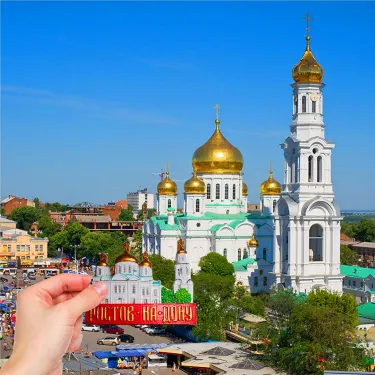
Gorod Rostov-na-Donu
123 hotels

Aksay
6 hotels

Novocherkassk
9 hotels

Rostov on Don
125 hotels

Shakhty
6 hotels
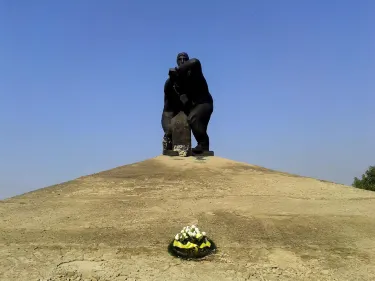
Millerovo
5 hotels

Aksaysky District
17 hotels
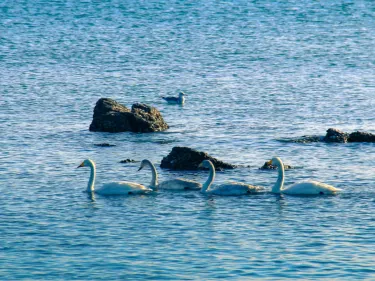
Kamensk-Shakhtinskiy
15 hotels
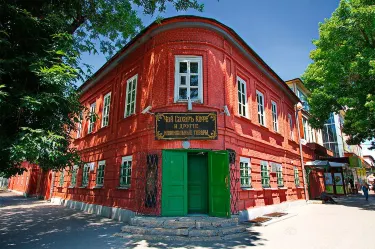
Taganrog
14 hotels

Kamensky District
4 hotels
Search Hotels in Other Provinces

Moscow Oblast
1,320 hotels

Leningrad Oblast
1,091 hotels

Primorsky Krai
227 hotels

Krasnodar
1,256 hotels

Irkutsk Oblast
218 hotels

Tatarstan
252 hotels

Novosibirsk Oblast
124 hotels
Khabarovsk Krai
80 hotels

Sverdlovsk Oblast
217 hotels

Murmansk Oblast
105 hotels
Frequently Asked Questions
How do I book a hotel on Trip.com?
To book a hotel on Trip.com, simply enter your destination, travel dates, and the number of guests on the page. Then, browse through the available hotels and select the one you want to book. Follow the prompts to enter your payment information and complete the booking.
How do I get hotel deals on Trip.com?
There are several ways to find affordable hotels on Trip.com. You can narrow down your search results by filtering hotels according to your preferred price range, or you can sort the results by price to view the cheapest options first.
Where can I find hotel deals on Trip.com?
Trip.com offers a wide variety of hotel deals and promotions that are available throughout the year. You can easily find these special offers on our deals page. What's more, if you are a member of our loyalty program, you can sign in to your account and discover exclusive discounted rates at hotel list pages.
How can I get lower prices for hotels?
Sometimes booking hotels midweek is cheaper, but it also depends on the season.
How many hotels are listed on Trip.com?
You can find over 1.5 million hotels in more than 230 countries or regions on Trip.com. Haven't decided which hotel to book? Browse our site to get ideas!
Can I cancel or change my hotel bookings on Trip.com?
It depends on the hotel policy and date of cancellation. Please check the policy section of the related hotel pages. To cancel or change your bookings, sign in to your Trip.com account, go to "My Bookings", and follow the instructions.
How do I contact Trip.com customer support?
You can contact Trip.com's 24/7 customer support by visiting the Help Center on Trip.com and submitting a request. You can also contact us by phone or service chat, depending on your location.
Property Information for Tourists
| Highest price | Rs 94,282 |
|---|---|
| Lowest price | Rs 6,274 |
| Number of reviews | 791 |
| Total properties | 278 |
| Weekday Avg. Price | Rs 21,954 |
| Weekend Avg. Price | Rs 22,299 |