
Hotels in Assam, India
Enter your dates for the latest hotel rates and availability.
Scroll down to see hotels
Find Hotels - Top Cities in Assam
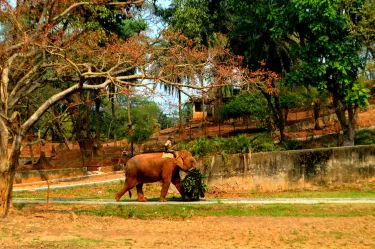
Guwahati
161 hotels

Dibrugarh
17 hotels

Jorhat
17 hotels

Hatikhuli T.E.
11 hotels
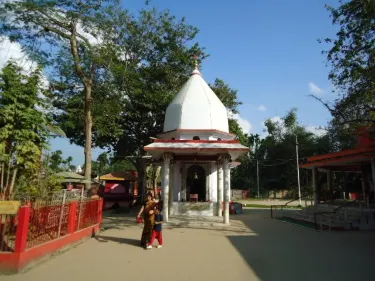
Cachar
2 hotels
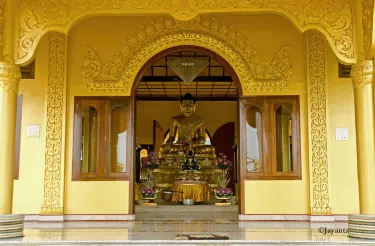
Tinsukia
16 hotels

Kamrup
6 hotels

Kamrup Metropolitan
174 hotels

Sonitpur
24 hotels
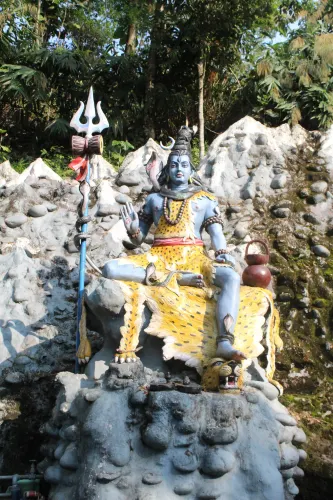
Tezpur
16 hotels
Find Hotels Near Attractions in Assam

Accoland
19 hotels

J. H COPIER
146 hotels

SHREE GANESH SUPER SHOP
23 hotels

J. P. Automobiles
147 hotels

Saikia Market
141 hotels

Phoneix
144 hotels

Kaziranga National Park & Tiger Reserve
13 hotels
BGR TOWNSHIP MANDIR COMPLEX
2 hotels
Search Hotels in Other Provinces
Delhi
1,106 hotels

Maharashtra
3,107 hotels
Tamil Nadu
2,245 hotels

Karnataka
2,286 hotels

Uttar Pradesh
2,605 hotels

Rajasthan
2,997 hotels

Kerala
1,773 hotels

Gujarat
1,312 hotels

Goa
1,132 hotels

Haryana
738 hotels
Frequently Asked Questions
How do I book a hotel on Trip.com?
To book a hotel on Trip.com, simply enter your destination, travel dates, and the number of guests on the page. Then, browse through the available hotels and select the one you want to book. Follow the prompts to enter your payment information and complete the booking.
How do I get hotel deals on Trip.com?
There are several ways to find affordable hotels on Trip.com. You can narrow down your search results by filtering hotels according to your preferred price range, or you can sort the results by price to view the cheapest options first.
Where can I find hotel deals on Trip.com?
Trip.com offers a wide variety of hotel deals and promotions that are available throughout the year. You can easily find these special offers on our deals page. What's more, if you are a member of our loyalty program, you can sign in to your account and discover exclusive discounted rates at hotel list pages.
How can I get lower prices for hotels?
Sometimes booking hotels midweek is cheaper, but it also depends on the season.
How many hotels are listed on Trip.com?
You can find over 1.5 million hotels in more than 230 countries or regions on Trip.com. Haven't decided which hotel to book? Browse our site to get ideas!
Can I cancel or change my hotel bookings on Trip.com?
It depends on the hotel policy and date of cancellation. Please check the policy section of the related hotel pages. To cancel or change your bookings, sign in to your Trip.com account, go to "My Bookings", and follow the instructions.
How do I contact Trip.com customer support?
You can contact Trip.com's 24/7 customer support by visiting the Help Center on Trip.com and submitting a request. You can also contact us by phone or service chat, depending on your location.
Property Information for Tourists
| Highest price | SGD 417 |
|---|---|
| Lowest price | SGD 11 |
| Number of reviews | 6,282 |
| Total properties | 483 |
| Weekday Avg. Price | SGD 64 |
| Weekend Avg. Price | SGD 64 |